This page is for Managers.
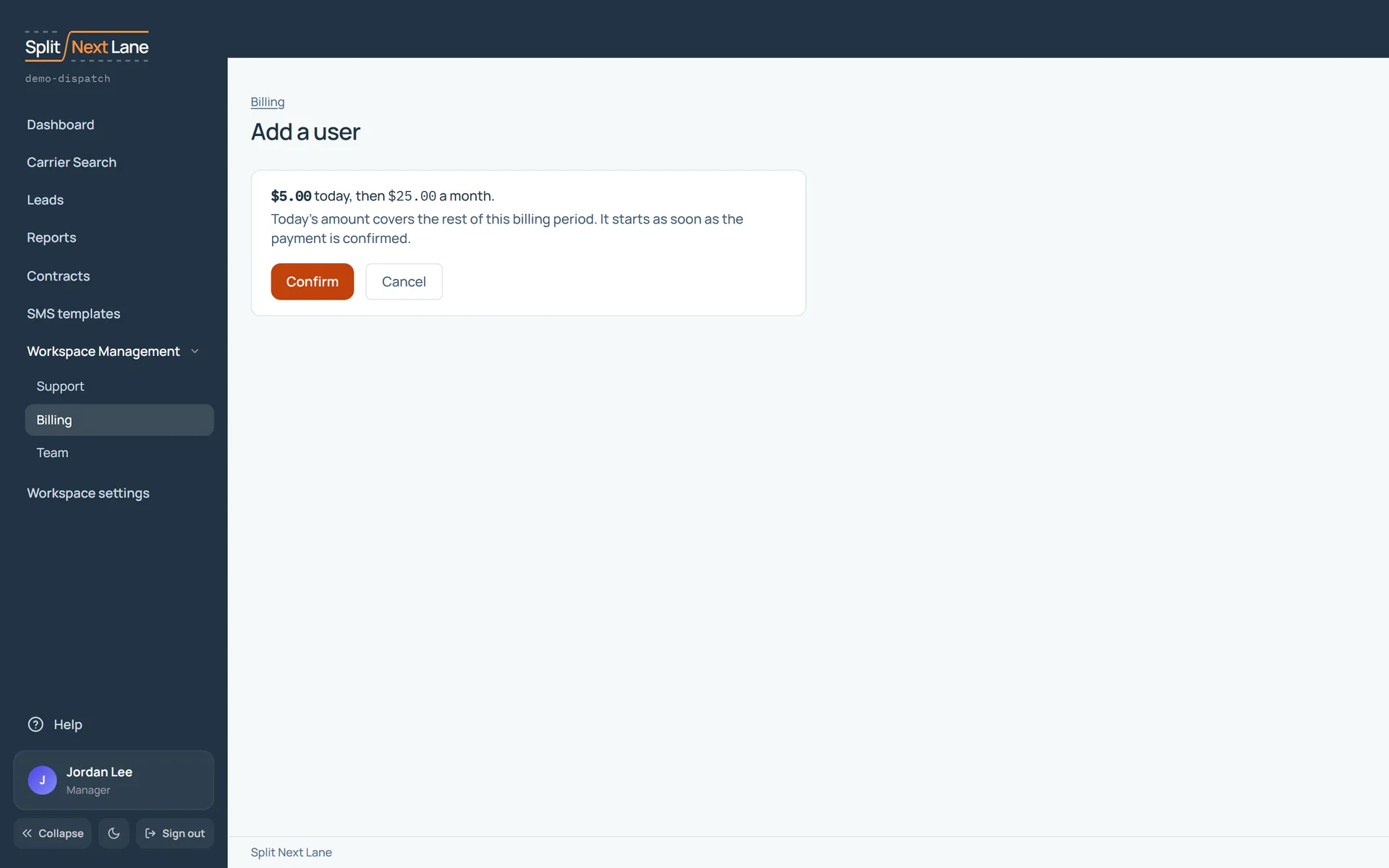
From Billing, Add a user (or removing one, once you have extra users) opens a confirmation first. It shows what the change costs today, what you will pay each month after it, and when it takes effect. Nothing changes until you choose Confirm.
An added user’s place starts once the payment is confirmed, and you are charged for the rest of the billing period. A removed user’s place ends at the end of the period: everything keeps working until then.
On this page
The same steps the page’s tour shows the first time you open it. Replay it any time from Help.
- Before you confirm
What this change costs today, what you pay each month after it, and when it takes effect. Nothing changes until you confirm.
Something missing, or a way this page could work better for you? In the product, open Help and choose Suggest a feature. We read every suggestion.