Split Next Lane is a sales CRM for dispatch agencies, with a side panel for Chrome that sits beside your dialer. You can work from either side: the CRM for searching, planning and reports, the panel while you call.
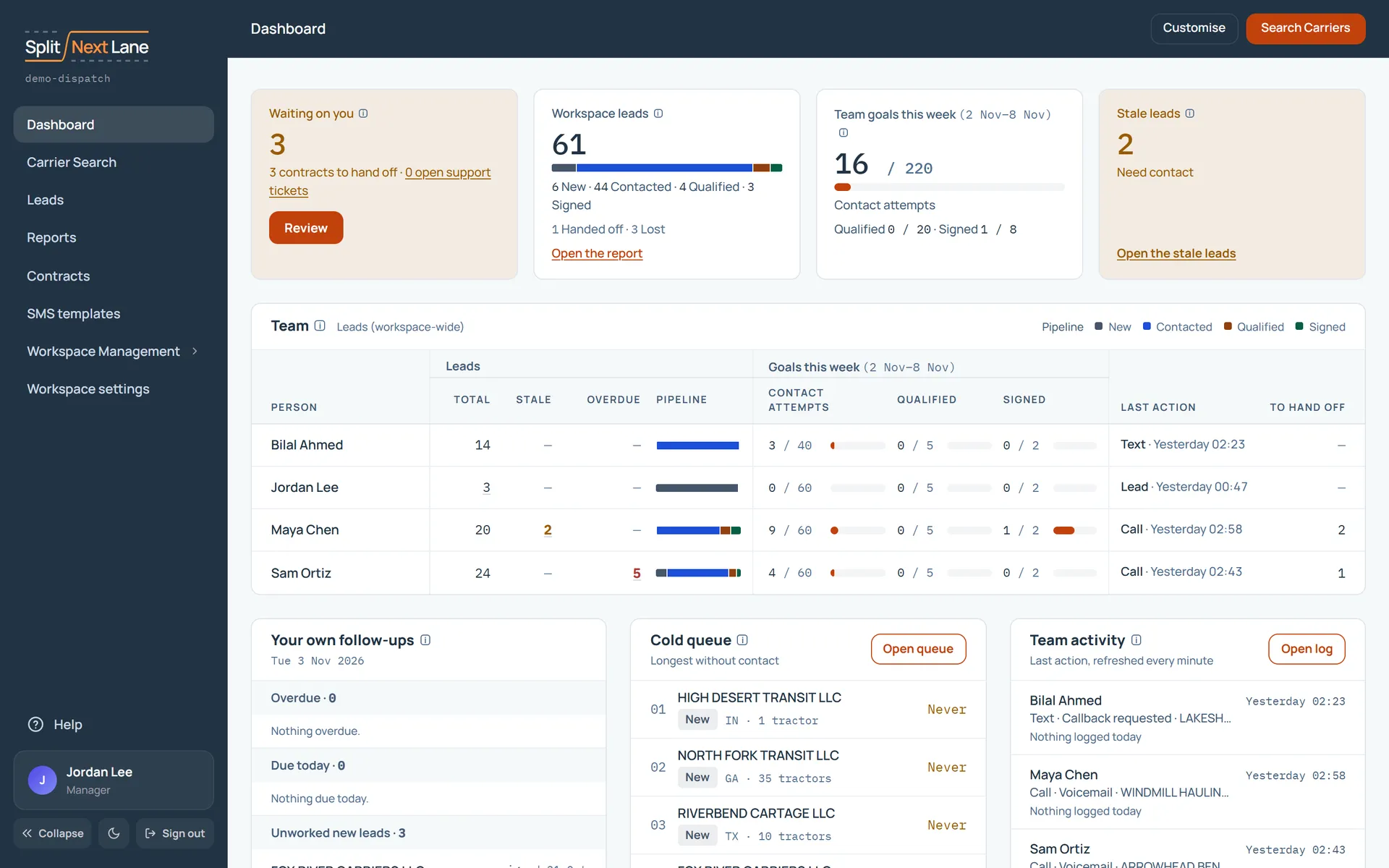
Sign in and look around
Open your workspace’s address and sign in. Your Dashboard opens first.
Every page shows a short tour the first time you open it. It points at each part of the page and says what it does. Skip or finishing it means you won’t see it again on that page, on any computer. Help, at the bottom of the menu on the left, replays it whenever you like, opens the page’s guide, and lets you suggest a feature.
Find your first carriers
Open Carrier Search, set a state and a fleet size, and choose Filter. Open a carrier to see its record. See Find carriers and build your first list.
Work a lead
Log what happened on a call in one click, and set the next step. See A lead’s page: calls and follow-ups.
Add the side panel
The side panel puts the lead beside your dialer, with keys for the number, the outcome and the next lead. See Install the side panel, then Your first calling session with the side panel.
Bring in your team
If you are the Manager, invite your SDRs and set their goals. See Set up your team.
Something missing, or a way this page could work better for you? In the product, open Help and choose Suggest a feature. We read every suggestion.