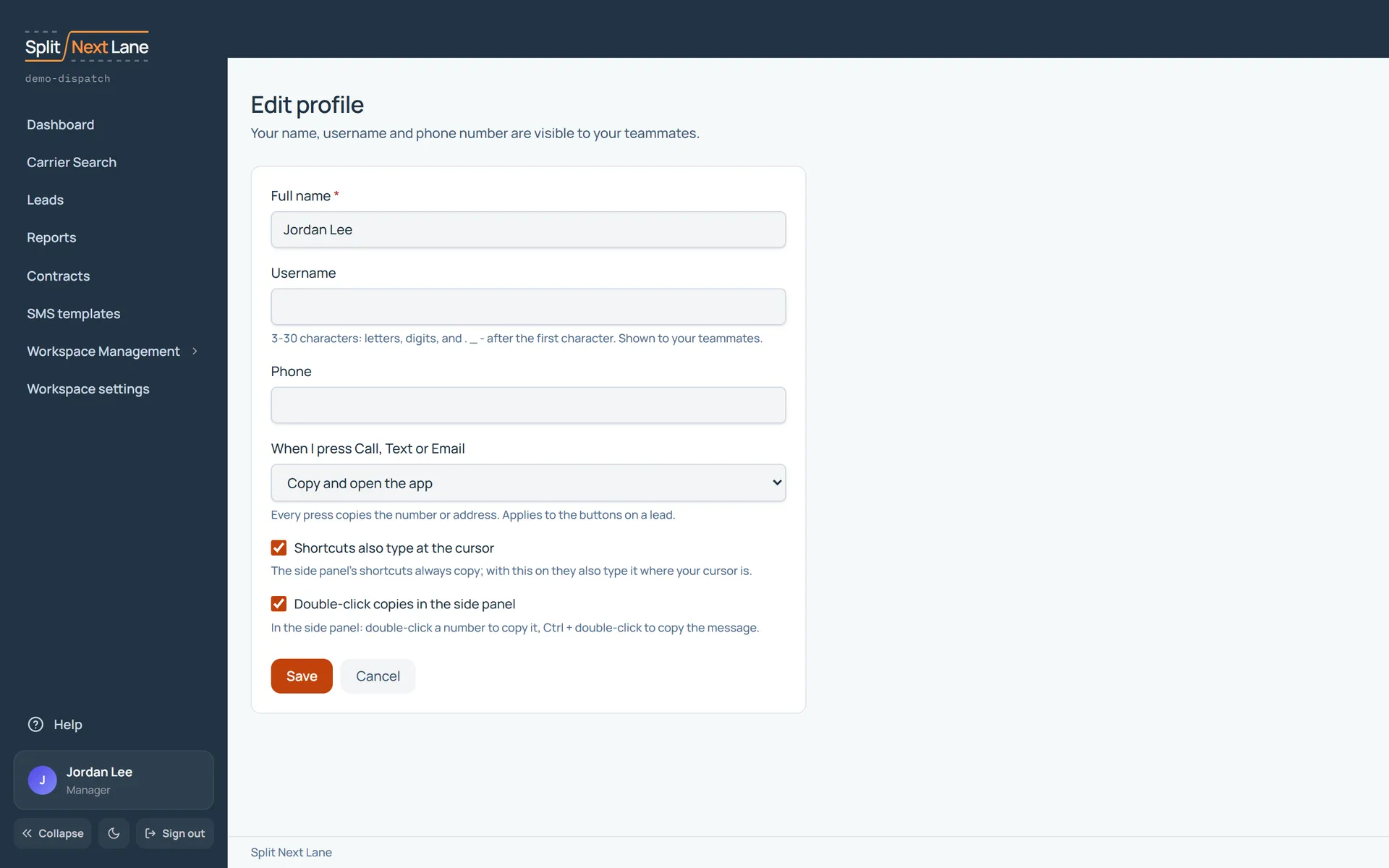
From your profile, choose Edit profile.
- Full name, Username and Phone are visible to your teammates.
- When I press Call, Text or Email chooses what those buttons do: Copy and open the app, or Copy only.
- Shortcuts also type at the cursor and Double-click copies in the side panel are the side panel’s settings.
Choose Save to keep them.
On this page
The same steps the page’s tour shows the first time you open it. Replay it any time from Help.
- Your details
Your name, username and phone (your teammates see them), what Call, Text and Email open, and the side panel's settings. Save keeps them.
Something missing, or a way this page could work better for you? In the product, open Help and choose Suggest a feature. We read every suggestion.