Your dashboard
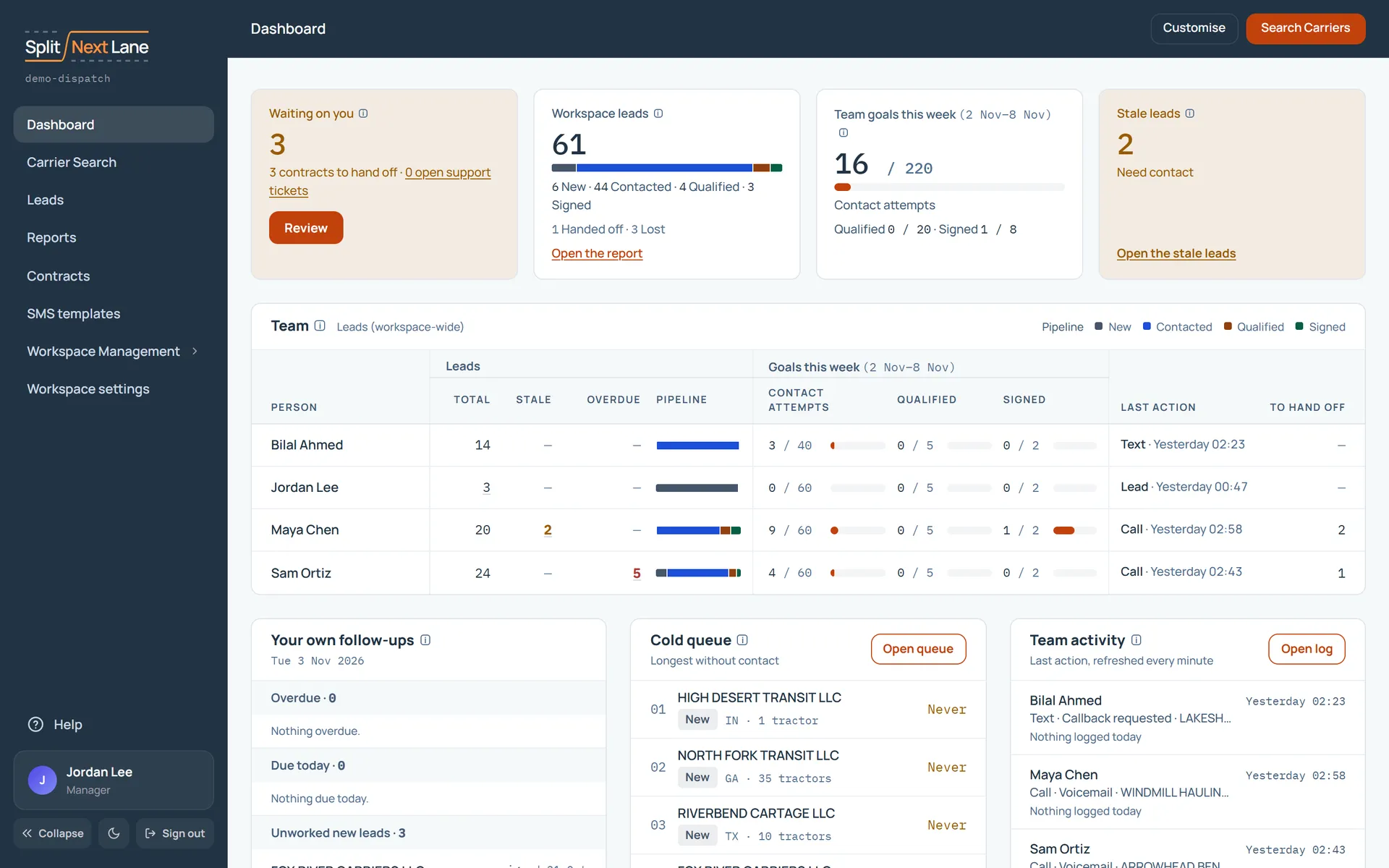
Choose Customise on the dashboard. Drag a card to move it, or use the arrows. Switch off the ones you do not use. Only you see this arrangement; your teammates keep theirs.
Your tables
On a page with a table, open the three-dot Choose columns menu and tick the ones you want to see.
Your theme
The menu on the left has a theme switch, at the bottom beside Collapse. There are three: one with a dark menu and a light work area, one fully dark, and one fully light. The product calls them split, dark and light. You start on split, and each click moves to the next.
Something missing, or a way this page could work better for you? In the product, open Help and choose Suggest a feature. We read every suggestion.