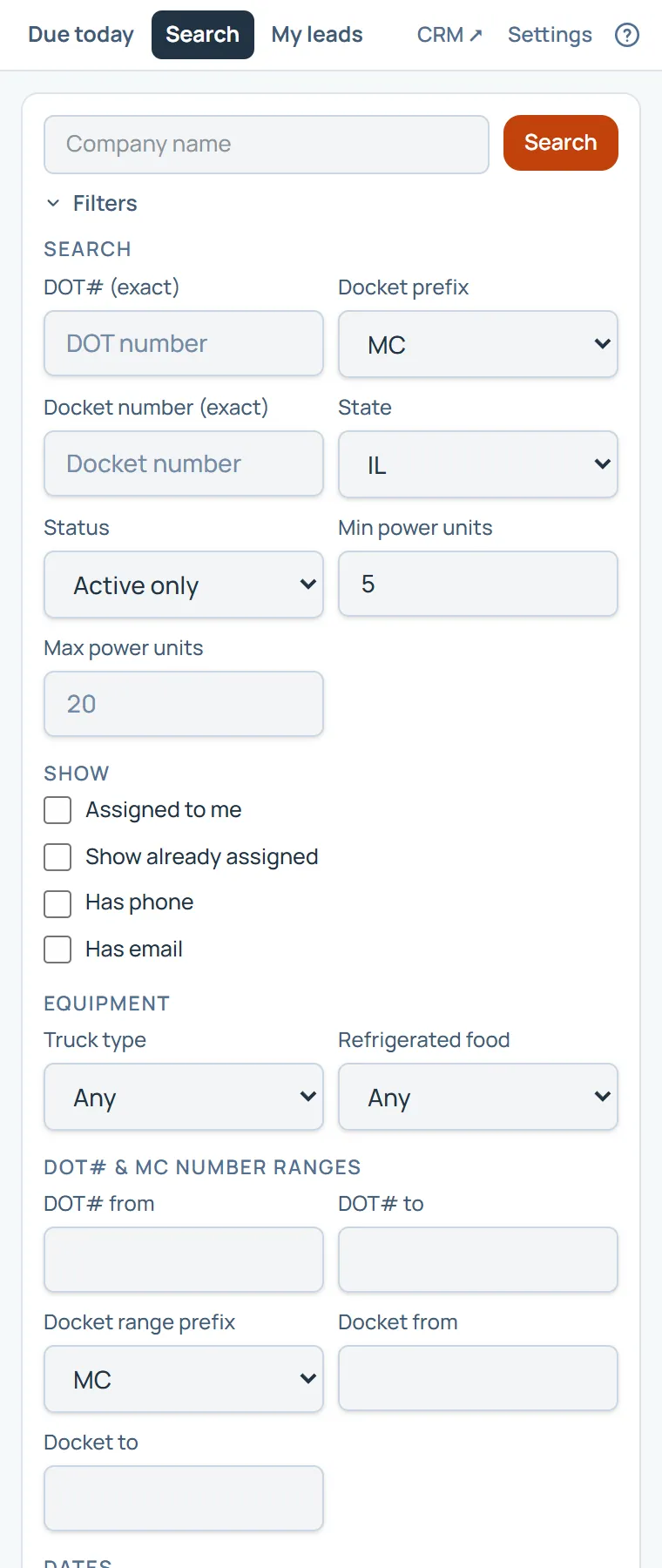
Search is Carrier Search in the panel: a company name, and Filters for the rest. Your saved searches, and the ones shared with the team, run in one tap.
Click a carrier to open it in the panel. Log a call or a text there and it becomes your lead.
On this page
The same steps the page’s tour shows the first time you open it. Replay it any time from Help.
- The panel's pages
Due today, Search and My leads. CRM opens the full product in a new tab, and Settings arranges the panel.
- Search carriers
Carrier Search, in the panel: a company name, and Filters for the rest.
- Saved searches
The searches you saved in the CRM, and the ones shared with the team. One tap runs one.
- The carriers
Click a carrier to open it in the panel. Log a call or a text there and it becomes your lead.
Something missing, or a way this page could work better for you? In the product, open Help and choose Suggest a feature. We read every suggestion.