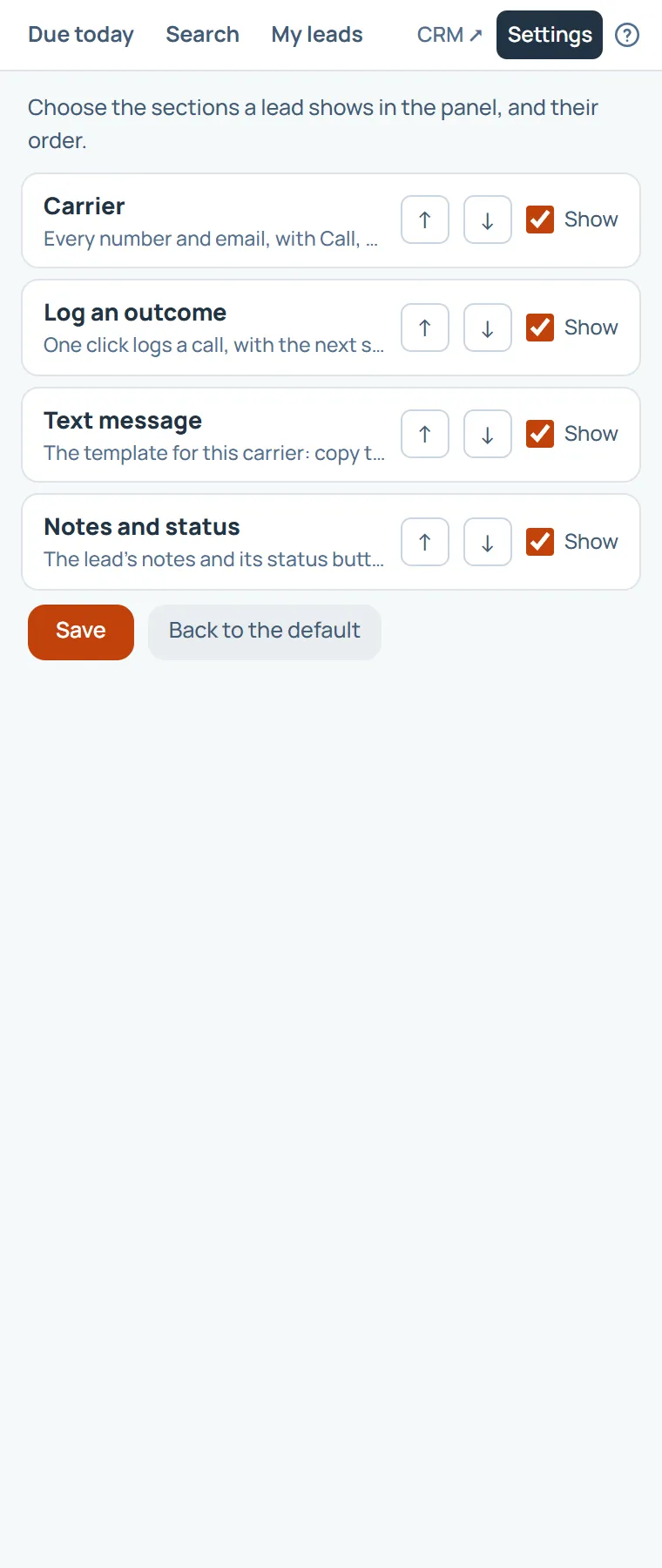
From Settings, open the sections. Move a section up or down, untick Show to hide it, then choose Save. Back to the default restores the usual four.
It changes only your own panel.
On this page
The same steps the page’s tour shows the first time you open it. Replay it any time from Help.
- Arrange the lead page
Move a section up or down, untick Show to hide it, then Save. Back to the default restores the usual four.
Something missing, or a way this page could work better for you? In the product, open Help and choose Suggest a feature. We read every suggestion.