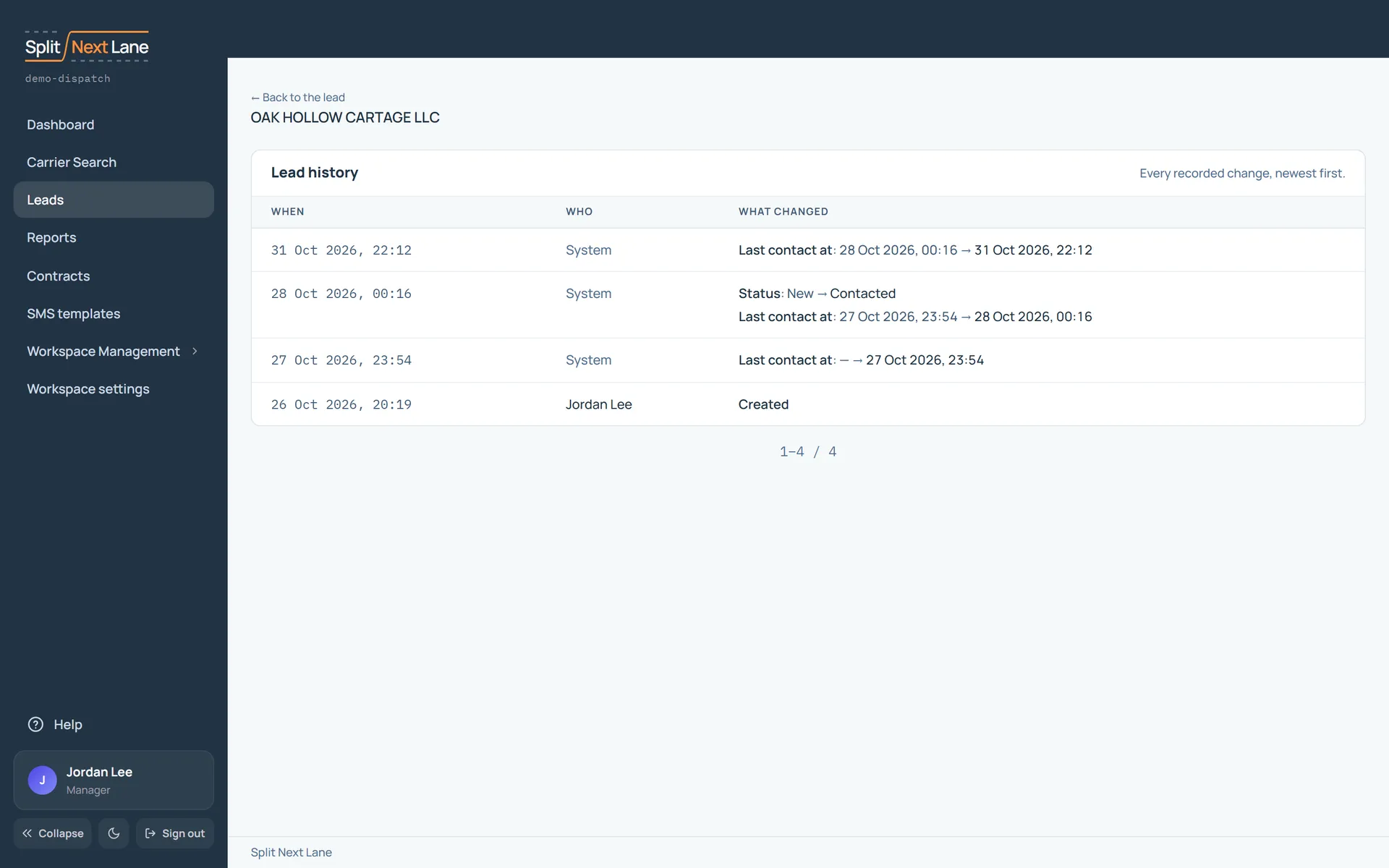
Open History from a lead’s or a contract’s page to see every recorded change to it, newest first: what changed, from what to what, and who changed it. Changes the product makes itself, such as the time of the last contact, show as System.
Use it to answer “who moved this lead to Lost, and when?” without asking around.
On this page
The same steps the page’s tour shows the first time you open it. Replay it any time from Help.
- Every change
Every recorded change to this record, newest first: what changed, from what to what, and who changed it.
Something missing, or a way this page could work better for you? In the product, open Help and choose Suggest a feature. We read every suggestion.