Every lead has one status. Keep it honest and your reports mean something.
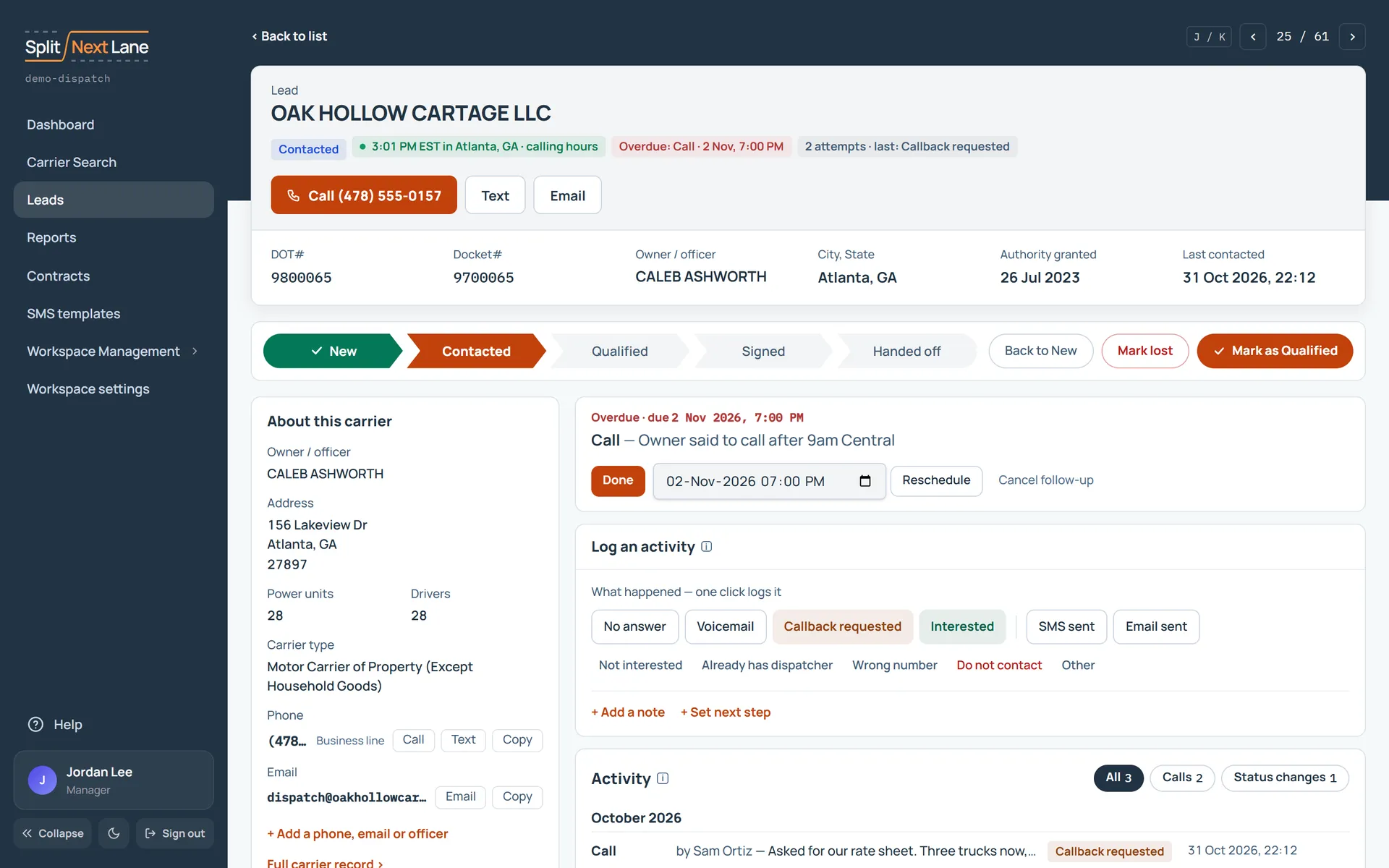
- New: it is yours, and nobody has contacted it yet.
- Contacted: someone has reached out at least once.
- Qualified: you have spoken to them and there is a real chance.
- Signed: they said yes. This creates a contract record for your Manager.
- Handed off: your Manager has acknowledged the contract. The sale is done.
- Lost: it is not going to happen. Use Mark lost.
A status does not move by itself. Logging a call leaves the lead where it is, so after your first contact, choose Mark as Contacted on the lead’s page. Handed off is the one you never set by hand: it happens when your Manager acknowledges the contract.
Stale leads
A lead is stale when it is still open and nobody has contacted it for 30 days. Logging a contact or changing its status clears it. Your dashboard counts them, so they do not sit forgotten.
Something missing, or a way this page could work better for you? In the product, open Help and choose Suggest a feature. We read every suggestion.