This page is for Managers.
For the SDR
On the lead’s page, choose Mark as Signed. A contract record is created and your Manager is told it is waiting. The lead’s page shows it under Contract.
Attach the signed contract to the lead. Under Documents, choose + Add, set Type to Signed contract, pick the file, and choose Attach document. It goes on the lead’s current contract by itself. The handoff cannot be acknowledged without it.
For the Manager
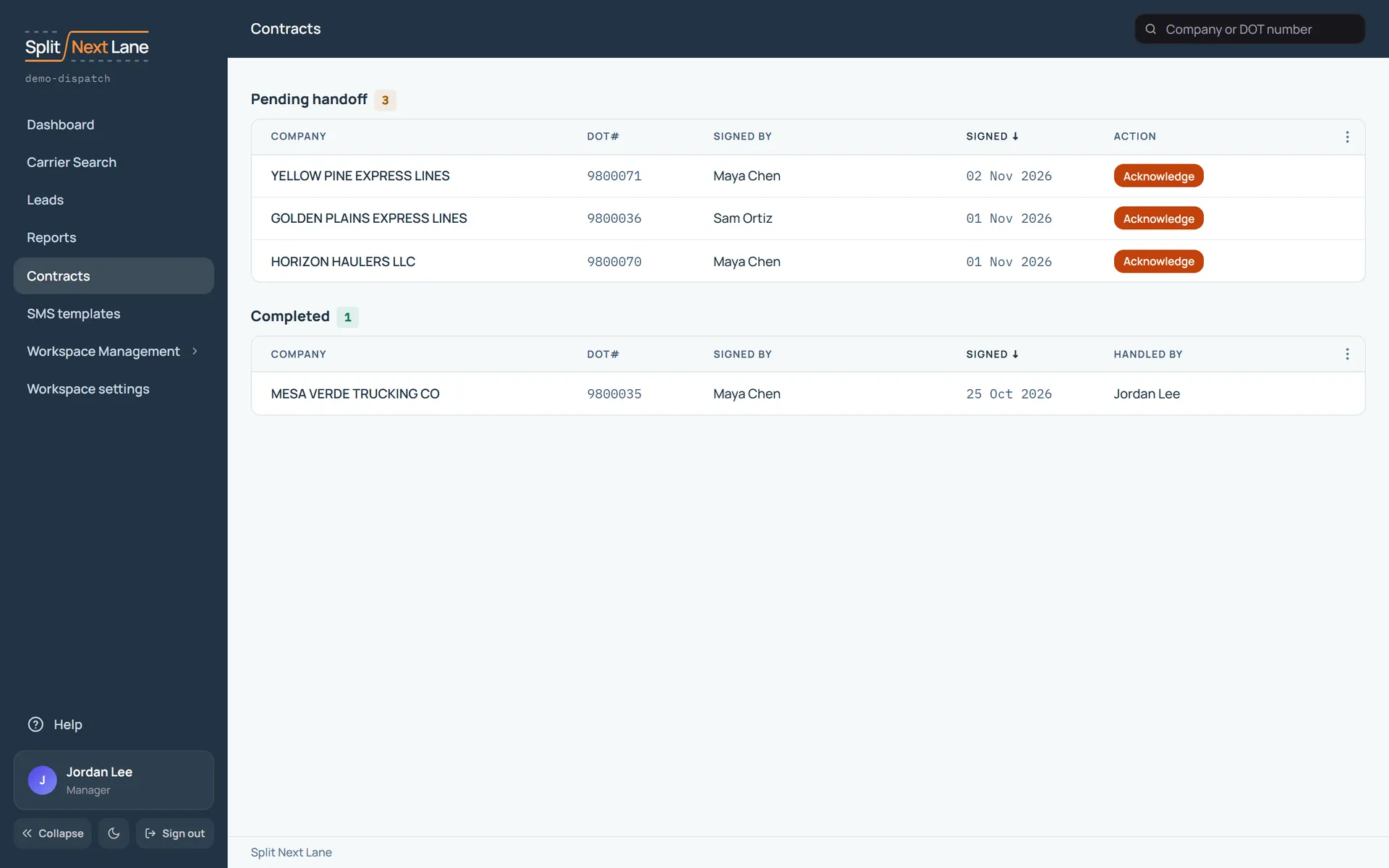
- Open Contracts. New ones are under Pending handoff.
- Open the contract and check the signed contract is attached.
- Back on Contracts, choose Acknowledge on its row.
It then moves to Completed, and the lead’s status becomes Handed off.
If the carrier signs again
Terms change. On the contract, choose Record re-signing. The old contract is marked Superseded and a new one waits for handoff.
Only a Manager can open a signed contract.
On this page
The same steps the page’s tour shows the first time you open it. Replay it any time from Help.
- Find a contract
Search contracts by company name or DOT number.
- Waiting on you
When a lead is marked signed, its contract waits here for you to hand it off. Open one to attach the signed PDF and acknowledge the handoff.
- Done
Contracts whose handoff you have acknowledged.
Something missing, or a way this page could work better for you? In the product, open Help and choose Suggest a feature. We read every suggestion.