This page is for Managers.
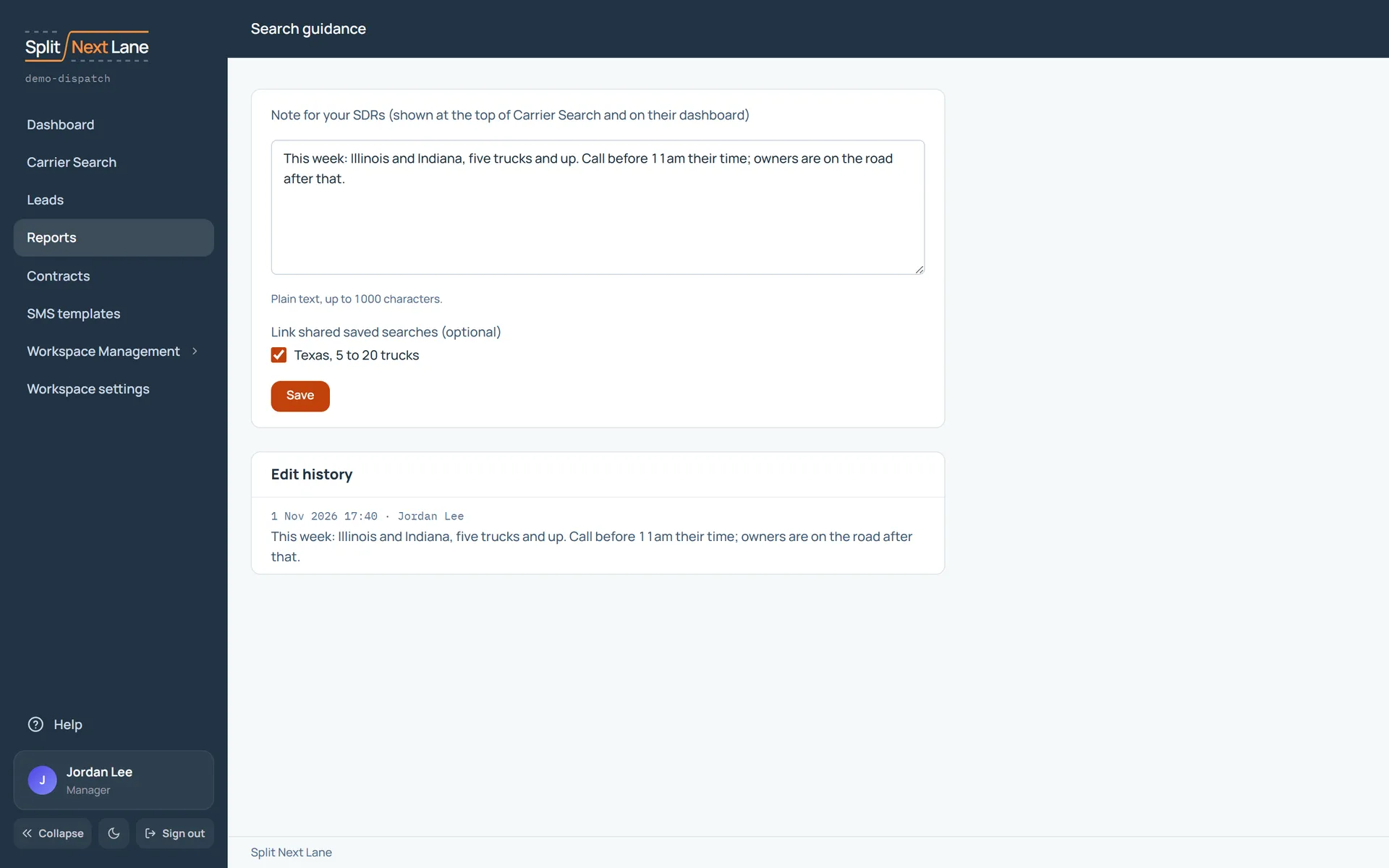
On Carrier Search, open the note at the top with Edit, and write what your SDRs should look for: the states, the fleet sizes, the times to call. Tick any shared saved searches to link them.
The note shows at the top of Carrier Search and on your SDRs’ dashboards as From your Manager: where to search. A linked search runs in one click.
Every earlier version is kept under Edit history, with who wrote it and when.
On this page
The same steps the page’s tour shows the first time you open it. Replay it any time from Help.
- A note for your SDRs
What you write here shows at the top of Carrier Search and on your SDRs' dashboards. Link shared saved searches so they can run them in one click.
- Edit history
Every earlier version of the note, with who wrote it and when.
Something missing, or a way this page could work better for you? In the product, open Help and choose Suggest a feature. We read every suggestion.