Sign in
Go to your workspace’s address, enter your email and password, and choose Take the next lane. Use the email your workspace invite was sent to. You may be asked to confirm your email address; open the link we send you.
Forgot your password
On the sign-in page, choose Forgot your password?, enter the email you sign in with, and choose Email me a reset link. If the email belongs to an account, a link arrives to set a new password.
Your details
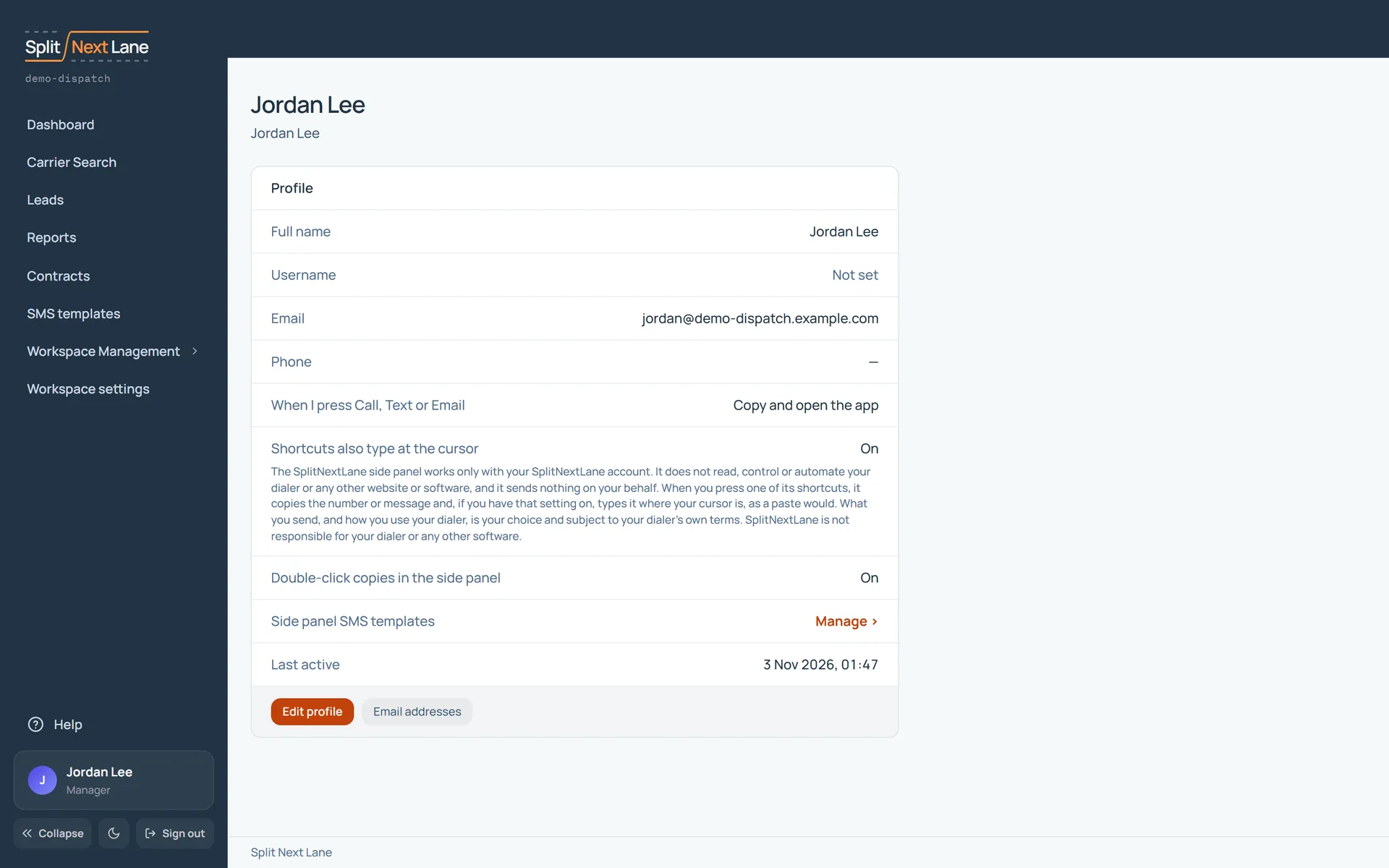
Open your profile from the menu on the left and choose Edit profile. Your name, username and phone number are visible to your teammates.
On this page
The same steps the page’s tour shows the first time you open it. Replay it any time from Help.
- Your profile
Your name, username, email and phone, and what Call, Text and Email open when you press them.
- The side panel
How the Chrome side panel behaves for you, and your SMS templates for it.
- Change your details
Edit profile changes your name, phone and these settings. Email addresses manages the addresses you sign in with.
Something missing, or a way this page could work better for you? In the product, open Help and choose Suggest a feature. We read every suggestion.