First, what is due
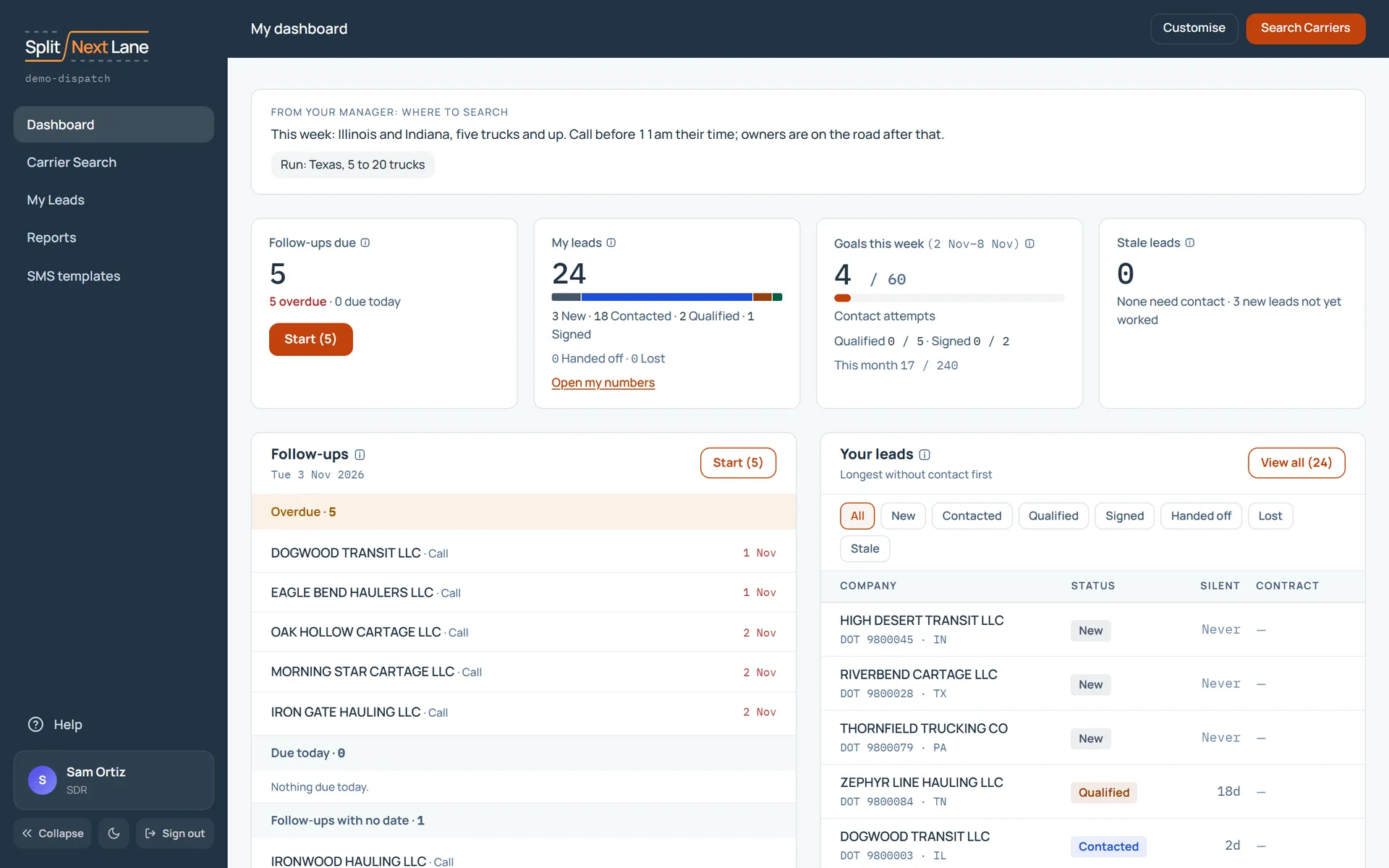
Your Dashboard lists the follow-ups that are overdue or due today. Choose Start. It opens the first one, and when you finish, the next.
Below that, your open follow-ups are grouped: Due today, Follow-ups with no date, and Unworked new leads, which are leads nobody has contacted yet.
Then, what has waited longest
The Cold queue lists the leads that have gone longest without a contact, with never-contacted leads first. On an SDR’s dashboard this card starts switched off: choose Customise and switch it on. Then choose Open queue and work down it.
On every call
Log what happened in one click, and set a next step with a date if there is one. See Log calls and plan follow-ups.
Two things that save time
- On a lead’s page, press J for the previous lead and K for the next one.
- If your Manager has written a note on where to search, it appears as From your Manager: where to search.
Checking yourself
My numbers, under Reports, shows your contacts and the leads you qualified or signed.
Something missing, or a way this page could work better for you? In the product, open Help and choose Suggest a feature. We read every suggestion.