This page is for Managers.
Billing, under Workspace Management, is for the Manager.
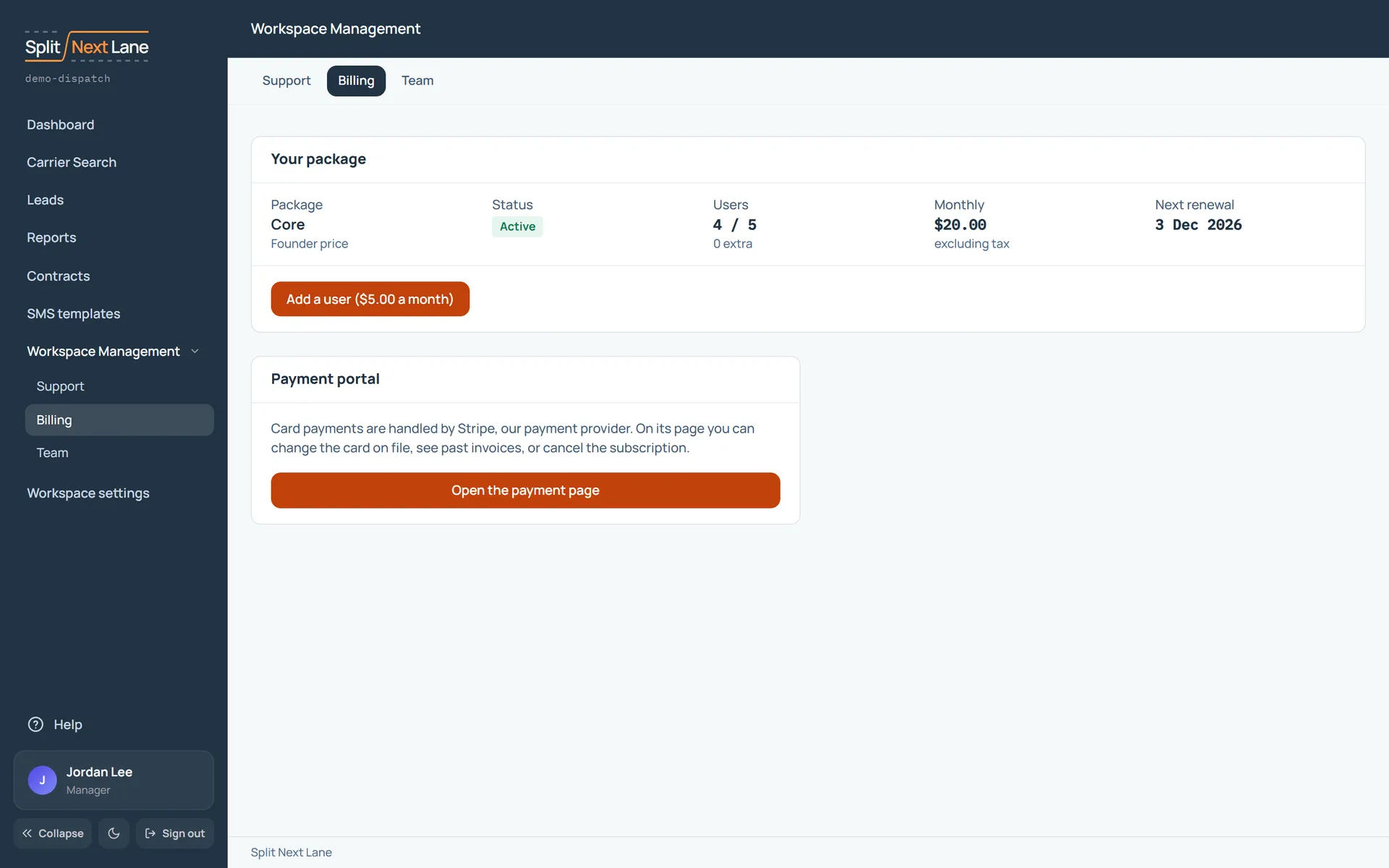
Your package
Your package, its status, how many users it covers, the monthly price and the next renewal. Add a user adds one more place on your team; each change shows its price before you confirm it. See Add or remove a user.
Paying
Card payments are handled by Stripe, our payment provider. Open the payment page takes you to its secure page, where you change the card on file, see past invoices or cancel the subscription.
Prices are on our Pricing page. Cancelling stops the next charge, and you keep access to the end of the period you paid for; payments already made are not refunded. See our Cancellation and refund policy.
On this page
The same steps the page’s tour shows the first time you open it. Replay it any time from Help.
- Running your workspace
Support, Billing and Team, side by side.
- Your package
Your package, its status, how many users it covers, the monthly price and the next renewal. Add a user or remove one here; each change shows its price before you confirm it.
- Paying
Your card, past invoices and cancelling are on the payment provider's own secure page.
Something missing, or a way this page could work better for you? In the product, open Help and choose Suggest a feature. We read every suggestion.