This page is for Managers.
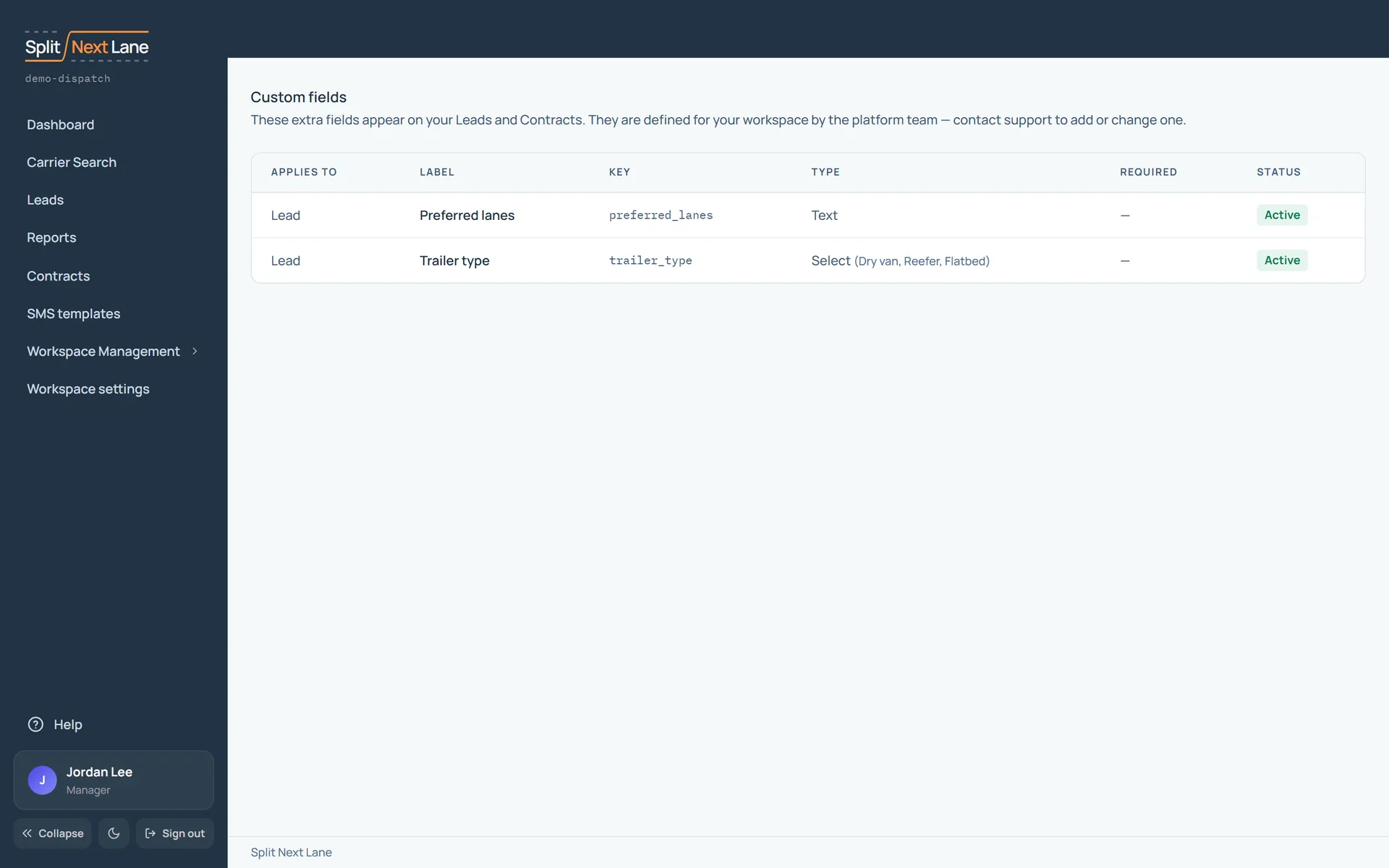
Custom fields are the extra fields on your leads and contracts: a carrier’s preferred lanes, say, or a trailer type. They show on each lead or contract, where your team fills them in.
The list shows each field, what it applies to, its type and whether it is required. We set them up for your workspace: to add or change one, send us a ticket through Support. See Send a support ticket.
On this page
The same steps the page’s tour shows the first time you open it. Replay it any time from Help.
- Your custom fields
The extra fields on your leads and contracts. We set them up for your workspace: ask through Support to add or change one.
Something missing, or a way this page could work better for you? In the product, open Help and choose Suggest a feature. We read every suggestion.