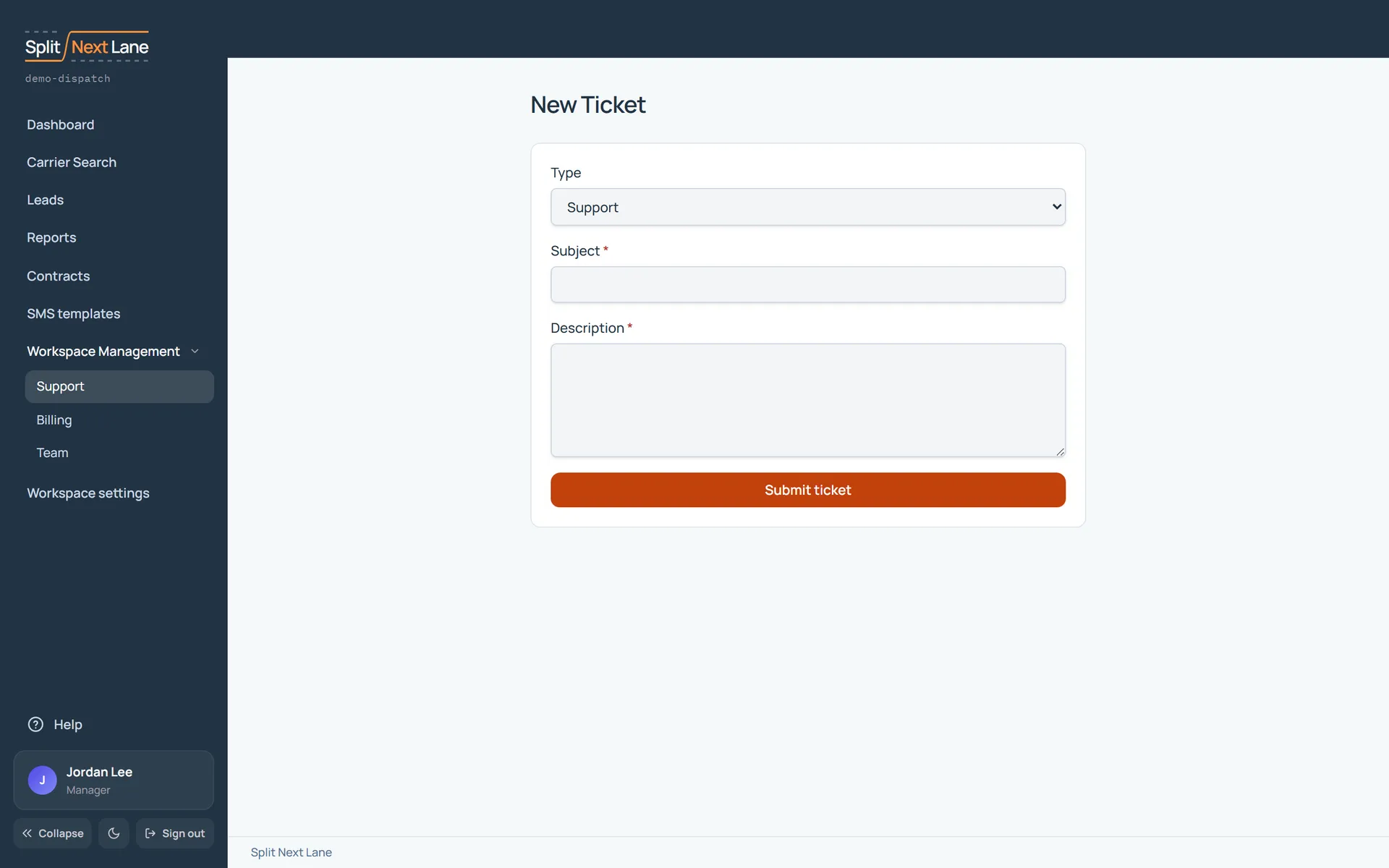
From Support, choose New ticket. Choose the type, write a subject and what happened or what you need, and choose Submit ticket.
Say what you were doing, what you expected and what you saw instead. We answer on the ticket, and you can follow it on the Support page. See Get help.
On this page
The same steps the page’s tour shows the first time you open it. Replay it any time from Help.
- Tell us what you need
Choose the type, write what happened or what you need, and submit. We answer on the ticket.
Something missing, or a way this page could work better for you? In the product, open Help and choose Suggest a feature. We read every suggestion.