My numbers, under Reports, is your own work: everyone has it, Managers and SDRs alike.
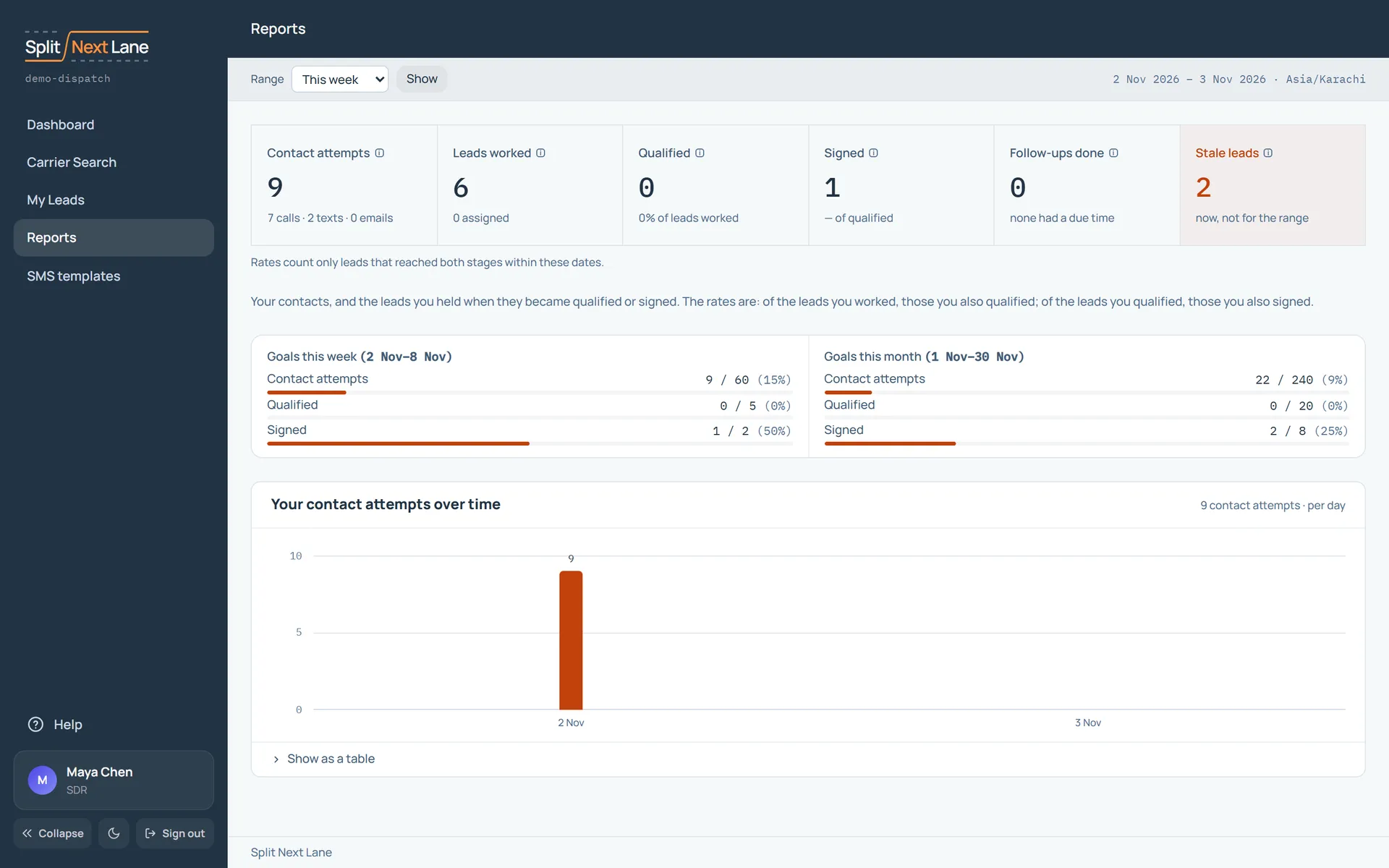
Choose the range at the top. You see your contacts in that range, the leads you held when they became qualified or signed, and how far along you are against this week’s and this month’s goals, which your Manager sets.
What the numbers mean is the same as on the team’s report: see Read your reports. Your teammates do not see your numbers; your Manager does.
On this page
The same steps the page’s tour shows the first time you open it. Replay it any time from Help.
- Every report Managers only
Switch between the team's Overview, your own numbers, Activity and Goals.
- Pick the range
Choose the period: this week, last month, or your own dates.
- Your numbers
Your contacts in the range, and the leads you held when they became qualified or signed.
- Your goals
How far along you are against this week's goals, which your Manager sets.
Something missing, or a way this page could work better for you? In the product, open Help and choose Suggest a feature. We read every suggestion.