Open Workspace settings from the menu on the left.
For everyone
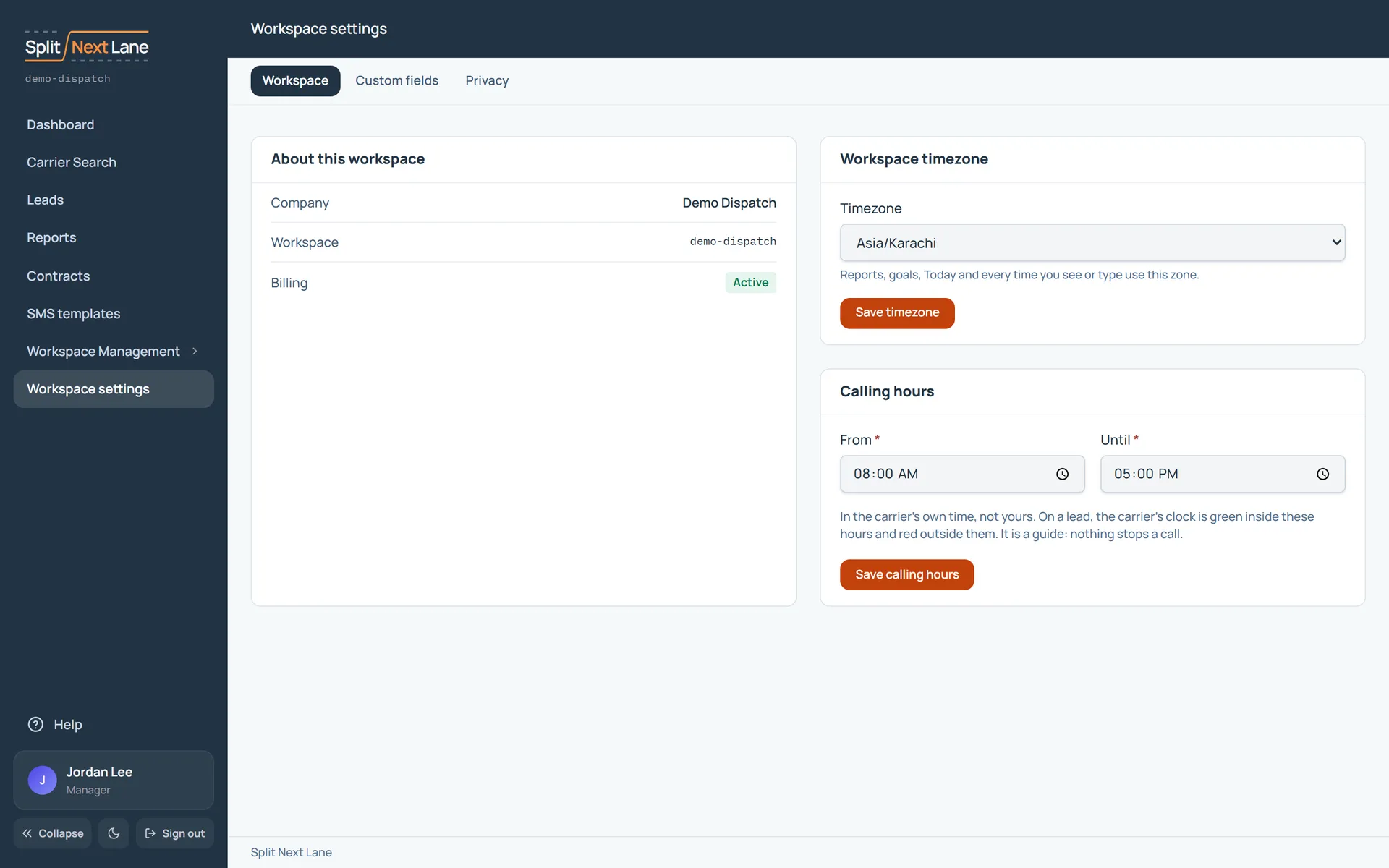
About this workspace shows your company, your workspace’s address and its billing status. Privacy says what a Manager can see of your work. What you can do lists what your role allows.
For the Manager
- Timezone sets when the day, the week and the month start for reports, goals and follow-ups due today.
- Calling hours are the hours to call, in the carrier’s own time. A lead shows green inside them and red outside. They are a guide: nothing stops a call.
- Custom fields lists the extra fields on your leads and contracts. See Custom fields.
On this page
The same steps the page’s tour shows the first time you open it. Replay it any time from Help.
- Settings by topic
Managers: Workspace, Custom fields and Privacy each have their own tab.
SDRs: Workspace and Privacy each have their own tab. Privacy says what your Manager can see.
- About this workspace
Your company, your workspace's address, its billing status, its timezone and its calling hours.
- Your workspace's time Managers only
The timezone sets when the day, week and month start for reports, goals and follow-ups due today.
- Calling hours Managers only
The hours to call, in the carrier's own time. A lead shows green inside them and red outside.
- Custom fields Managers only
Extra fields on your leads and contracts. Ask us through Support to add one.
- What you can do
What your role allows in this workspace.
Something missing, or a way this page could work better for you? In the product, open Help and choose Suggest a feature. We read every suggestion.